Lock and Tech USA installs security cameras and CCTV in New York apartment buildings, brownstones, stores and offices across all five boroughs, and repairs any make. We walk your property free, itemize labor and materials in writing, hide cable in chases and ceilings, not across your walls, and set up your phone app before we leave. A Brooklyn company, we usually get to you in 20 to 40 minutes on weekdays.
Book a Free Camera Walkthrough
We'll call back during business hours to set up your walkthrough.
Or call us directly: (718) 758-4959 – open Mon–Fri, 8 AM–6 PM
We start with a camera at every way in, plus one for each yard, parking lot and common area, then fit the camera to the spot.
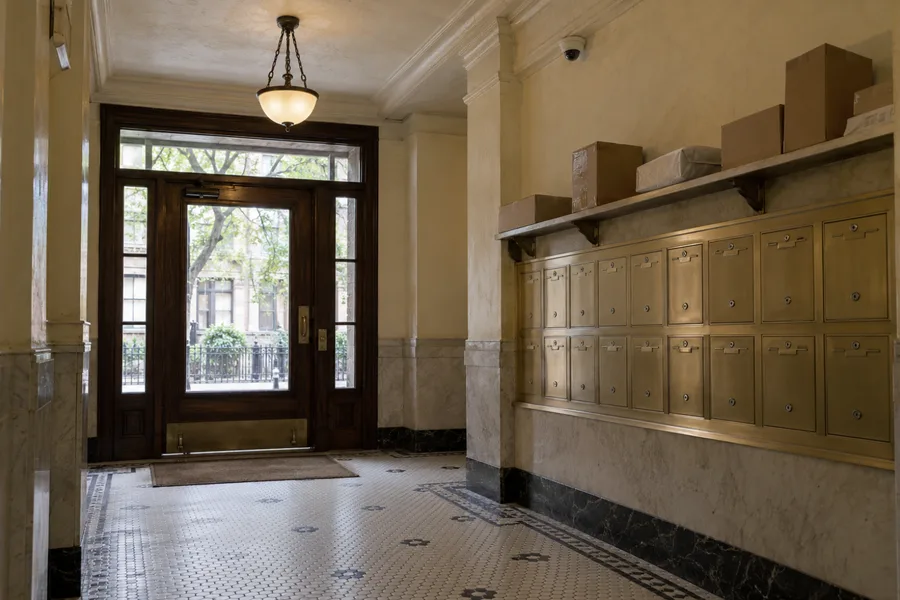
We cover the lobby, the mail and package room, stairwells, the roof door and the basement. Anywhere a hand can reach the camera, it's a vandal-resistant dome – built to take a hit. Nothing looks into an apartment.
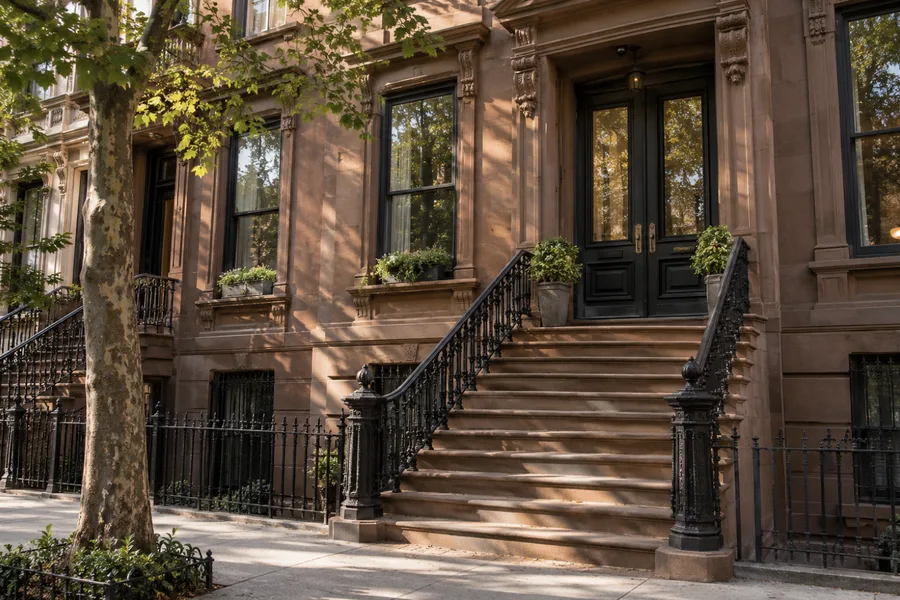
Three or four cameras usually do it here: the stoop, the garden-level door, the rear yard. We fish the cable through existing chases – the hidden shafts old houses already have – so nothing gets stapled across the facade or the crown molding.
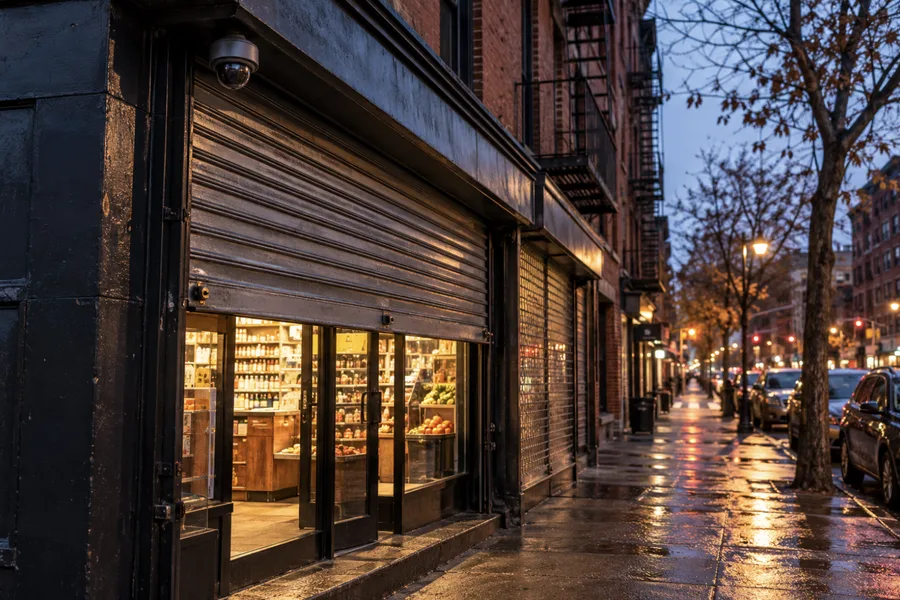
The register, the entrance, the roll-down gate and the back door each get their own camera, with a vandal-resistant dome over the gate. If a sale or a delivery is disputed later, you can find the clip on your phone and settle it.
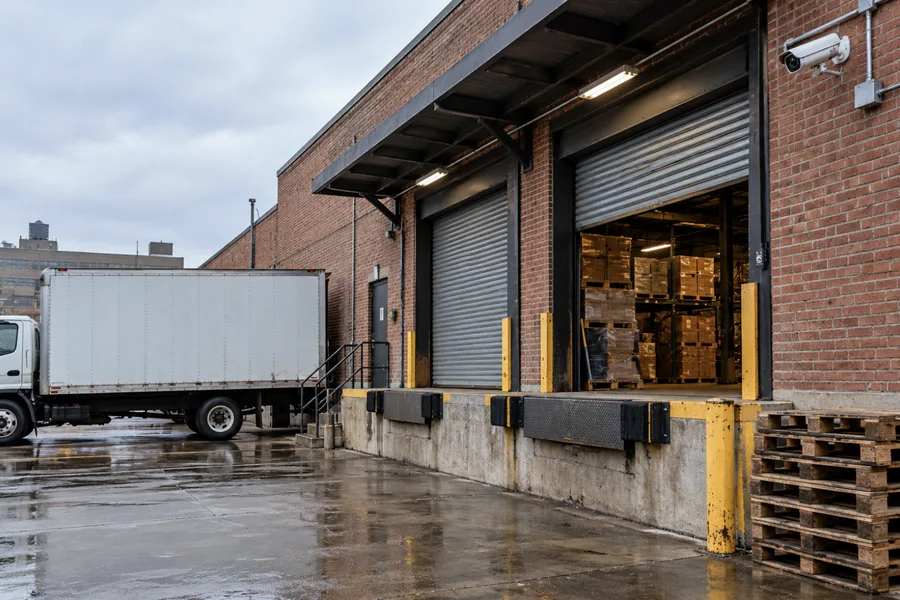
Loading docks, aisles and back alleys get wide cameras, with infrared where it's dark. At a ramp, plate capture takes two cameras – an overview plus a narrow plate camera within about 10 feet of the lane. Every site shows up in one app.
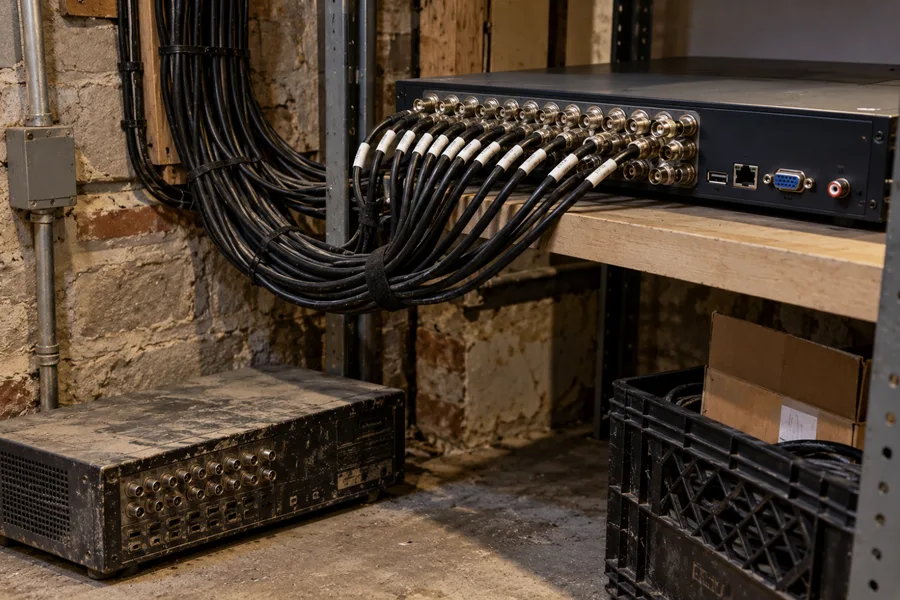
The coax already in your walls – the round cable older systems used – still handles HD video. So new cameras and a new recorder often go in without opening plaster, and a hybrid recorder runs old and new cameras side by side.
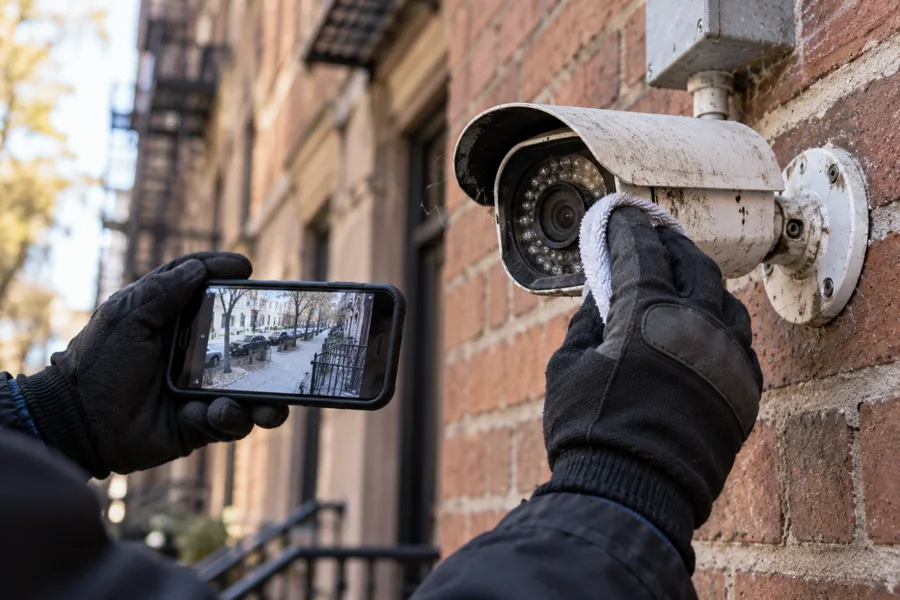
Black screens, nothing recording, no night vision, a camera gone offline, an app that won't open – we repair systems of any make, discontinued models included. If a part has to be ordered, you hear the price first.
About four in ten New York homes are in buildings put up before 1940. Plaster, brick and masonry decide how a cable gets from each camera to the recorder, and that path – more than the camera count – is what moves the labor on your estimate. Many of those buildings still have the coax an old analog system ran through the walls. Since it can carry HD video, an upgrade is often a one-day swap of cameras and recorder rather than a rewire.
About half of New Yorkers live in buildings of 20 or more apartments. The lobby, package room and stairwells are shared space, and that's what our cameras watch – never into a unit, never where someone might undress. Before anything goes on a facade or in a hallway, the co-op board or managing agent signs off, so we send the super or the board the documents they need ahead of the install date.
Then we test every camera in daylight and again after dark. A hallway that reads faces at noon can be useless at 9 p.m.
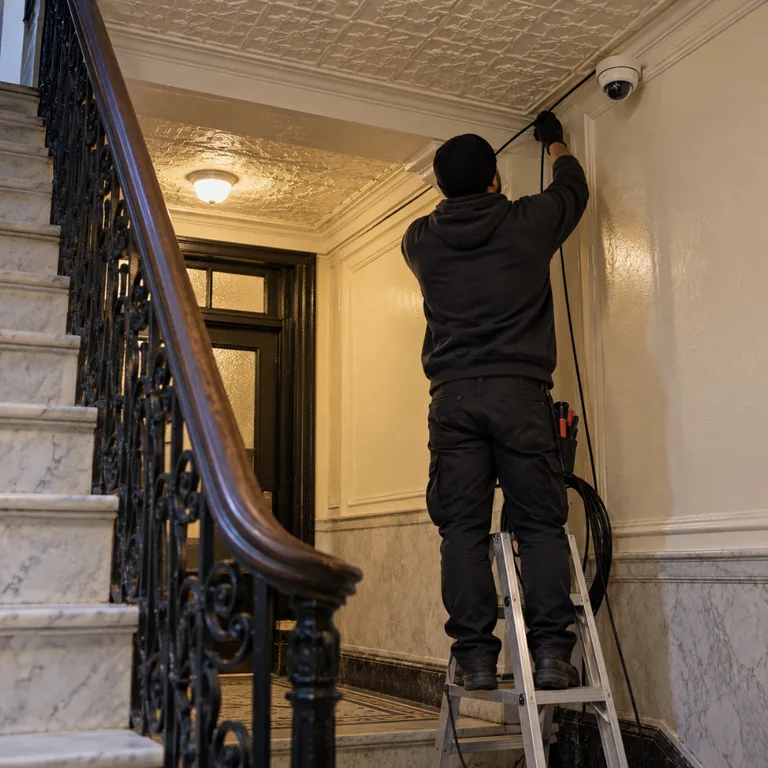
The technician marks each entry, the spot for the recorder and the path every cable will take.
Labor and materials sit on separate lines, and nothing starts until the contract is signed.
The same technician who did the survey runs the job: cable pulled and hidden, each camera mounted and aimed while you watch the live feed.
We look at every channel by day and once more after sunset, set retention and unique passwords, put the app on your phone, and leave the contract, equipment list and warranty terms in writing.
Five things stay the same on every job, from a single camera to a full walk-up.
We're rated 4.9 on Google – here are four from clients who had cameras put in. Read all our Google reviews
“Gabriel and his team are super responsive, easy to communicate with, and always do the job right. They have installed full camera, motion censor etc for us at multiple locations and each time the product is excellent…”
“…The price was very fair and the installation of video and detection was a job done clean and respectful of the property.”
“I had an excellent experience! From start to finish, the team was professional, knowledgeable, and attentive to detail. They installed a full security system with cameras and an intercom setup at my property, and everything works flawlessly. They took the time to walk me through all the features…”
“…Gabriel, Monica victor did a great job installing our security alarm and camera system. Wiring was neat and detailed.”
The same symptom can come from very different places, so we don't replace anything until it's been tested. We work from the outside in – power first, then the cable, the camera, the recorder and finally the network. Tell us on the phone what the screen shows, and the technician arrives knowing where to start. When a fix can happen on the spot, we do it then.
| What you see | What's usually behind it | What we do |
|---|---|---|
| A black screen where a camera feed used to be | Power – a failed adapter, a tripped breaker or a dead PoE port | Trace power from the camera back to its source and replace the failed piece |
| Cameras show live video but nothing is recorded | A failing or full drive, or a recording schedule that's switched off | Check the drive's health, reset the schedule and confirm clips are saving |
| A blurry or grainy camera picture | Dirt or webs on the lens, a lens out of focus, or a worn sensor | Clean and refocus the camera, and replace it if the sensor is worn |
| A camera that shows nothing at night | Dead infrared LEDs, a stuck IR filter or condensation inside the housing | Test the infrared, clear the moisture, and replace the camera if the IR is gone |
| One camera showing offline | A damaged cable run, an address conflict after a router swap, or a dead switch port | Test the run, fix the address, and move or replace the port |
| The camera app won't open | Wrong credentials, a lost registration, or port settings wiped by an internet provider reset | Restore the login and registration and reset the settings so the app connects |
| A recorder that restarts on a loop | A failing power supply, a firmware fault or an unreadable drive | Test the supply, reload the firmware and swap the drive if it can't be read |
When failures turn up across the whole system rather than in one spot, it's time to weigh repair against replacement.
Most of the price comes down to how many cameras you need, and the table shows where most jobs land. An apartment usually takes one or two, a brownstone three or four, a store or small office four to eight, and a walk-up building 8 to 16. Past 16 cameras, we price it as a project.
Within each range, the price moves with:
The recorder sits in your building, so footage costs nothing month to month. Cloud backup is optional and typically adds about $3–$30 per camera a month – we name the plan before you decide. Every estimate breaks out labor from materials, larger jobs take a deposit up front with the balance at completion, and the exact price comes in writing after the walkthrough, before any work starts.
| What | Usual price |
|---|---|
| Camera walkthrough and estimate | Free |
| 1 camera, installed | $200–$800 |
| 2–4 cameras, installed | $800–$2,200 |
| 5–8 cameras, installed | $1,500–$4,800 |
| 9–16 cameras, installed | $3,000–$10,000 |
| Adding 1 camera to a recorder with a free channel and a short cable run | $200–$500 |
| Cloud storage (optional) | About $3–$30 per camera a month |
Repair is the right call when one component failed and the rest still works: a power supply, a cut cable, a bad drive, a camera knocked loose, a firmware fault. Replacement starts to make sense once failures keep repeating, the recorder and cameras are both worn out, or the parts no longer exist. Old analog cameras often still run but can't pick out a face, and the technician will tell you so on site. There's a middle path too – keep the coax, swap the cameras, and put in a hybrid recorder that handles both kinds. If a part has to be ordered, you get the part, lead time and price first, and nothing is ordered without your approval. Repair work carries no warranty; new installations carry a warranty on parts and labor.
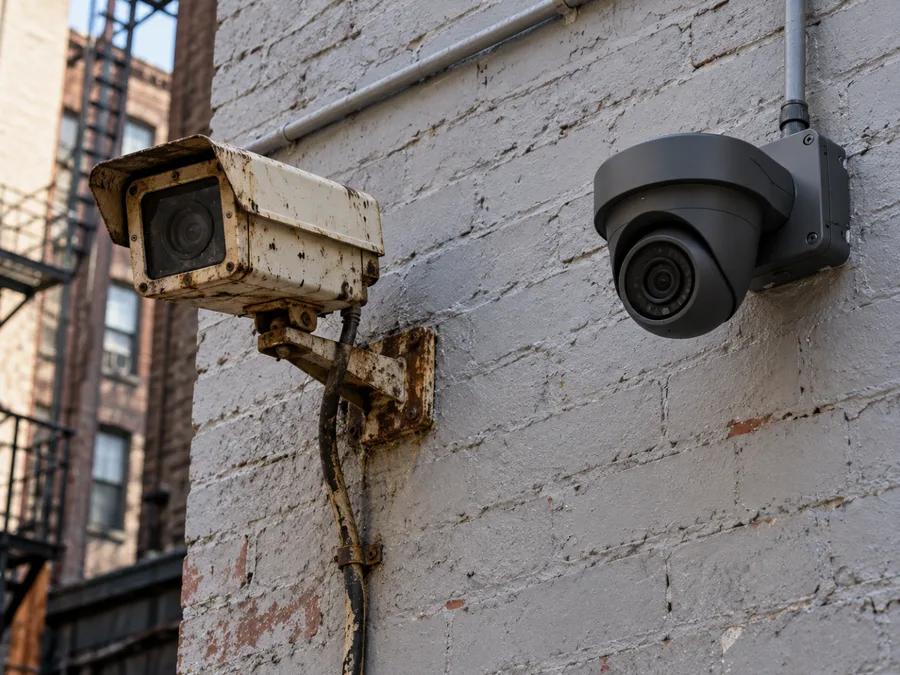
Call (718) 758-4959 on weekdays between 8 AM and 6 PM – a technician is usually on site in 20 to 40 minutes, up to an hour in heavy traffic. Before we arrive:
Something just happened. If anyone is hurt or a crime is in progress, call 911 first.
Save the clip. Export it to your phone or a USB drive before the recorder writes over it. Don't keep power-cycling the recorder, and don't format the drive.
Stay off ladders and facades. Don't climb to re-aim an exterior camera on brick or above a gate – leave that to us.
Call Now – (718) 758-4959From our location on McDonald Avenue, our technicians drive to every borough of New York – to SoHo, Tribeca and Washington Heights, to Flatbush and Midwood. Calls from Williamsburg, Ridgewood, Flushing, New Dorp and the Bronx get the same visit and the same written estimate. Several buildings or stores under one owner? You watch all of them from one app, and we work beyond the city when a client's buildings are there.
Short answers here – the walkthrough gets you the full answer for your building.
Count one per entrance, then add one per yard, lot or shared space. On that rule, a walk-up building usually lands at 8–16 cameras and a brownstone at three or four. We often take one or two off the plan at the walkthrough, since a camera on a corner can watch two approaches at once.
No – cameras wired to a recorder in your building keep recording when the internet goes down. You need internet only for viewing on your phone, cloud backup and alerts. Because the footage lives on that local recorder, there's no monthly charge unless you add cloud storage.
They can, but we don't switch it on by default. New York law makes it a crime to record a conversation without the consent of at least one person in it, so a microphone in a lobby, hallway or office is something we decide with you at the walkthrough. This isn't legal advice – if you're unsure, check with your attorney before the install.
Cameras belong in shared spaces – the lobby, mail and package room, stairwells, the roof door, the basement. We never aim one into an apartment or a neighbor's window, and never place one in a bathroom, changing area or anywhere people undress; New York law treats that as unlawful surveillance. Each camera is aimed so its view stays off private units.
Often, yes. Existing RG-59 or siamese coax is able to carry HD signals, so we may reuse the cable and replace only the cameras and recorder. A hybrid recorder can run your working cameras next to new network ones. If the old cameras still work but can't identify anyone, or the recorder and cameras have both reached the end of their life, we'll tell you on site that replacing is the better spend.
Call (718) 758-4959 or send the form with your building type and how many entrances it has. We'll walk the property, mark every camera and cable path, and send you the labor and materials in writing.
(718) 758-4959
Part of Lock and Tech USA – lockandtech.com